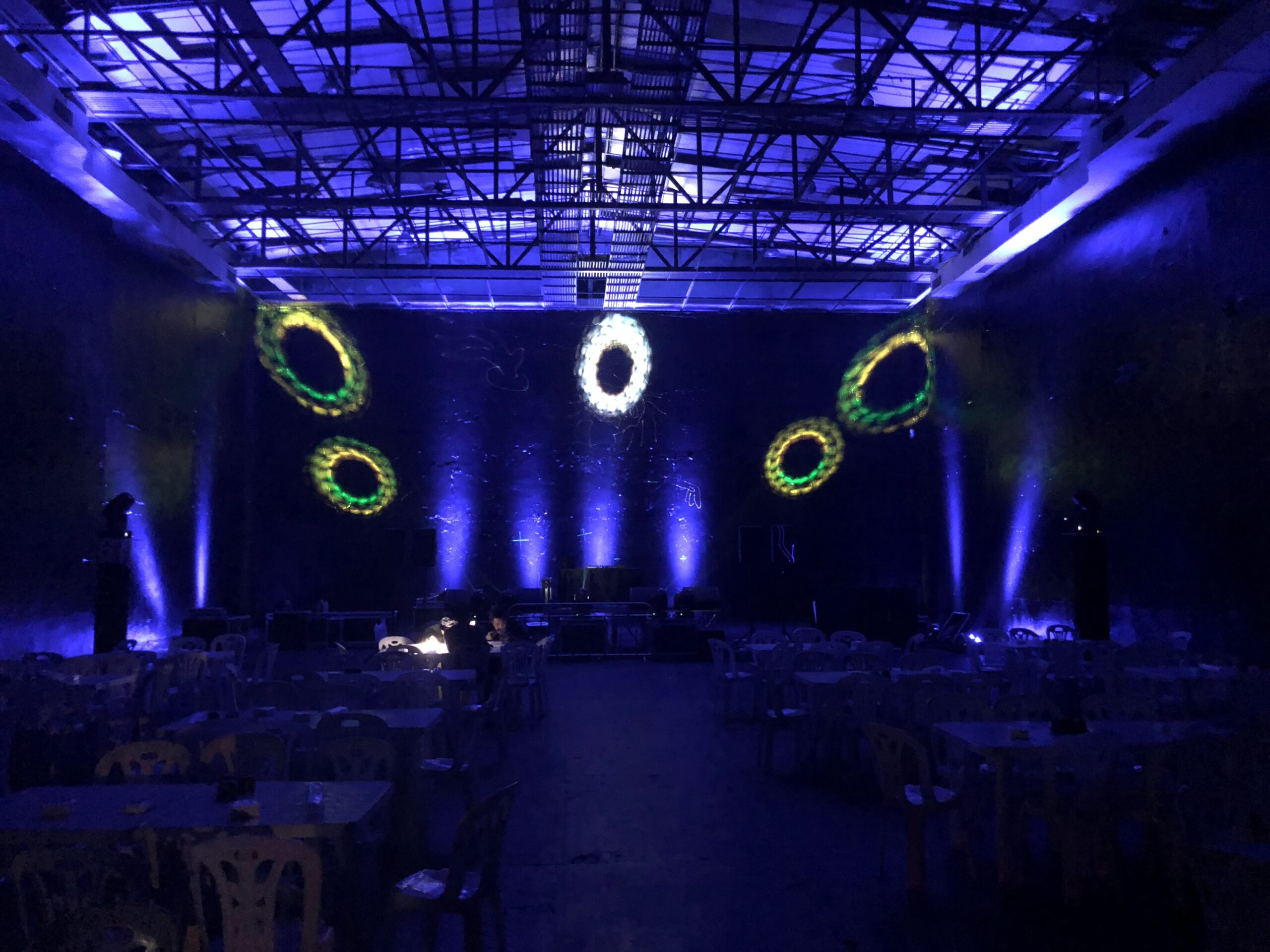
Looking for a way to add some extra pizzazz to your event photos? Laser lights might just be the ticket! These lights create amazing time tunnel effects that are perfect for capturing memorable moments. With the added bonus of a smoke machine, laser lights are sure to impress.
The laser lights can also be used to create an impressive entrance for your guests. Guests will be mesmerized by the vibrant colors and the intricate patterns the laser lights can create. You can even choose to customize the laser lights to fit your event theme. Once the laser lights are set up, they will be sure to be the highlight of the event. With their dazzling effects, they will make your event photos truly stand out. And thanks to the smoke machine, your guests will be sure to have an unforgettable time. So, if you’re looking to add some extra pizzazz to your event photos, look no further than laser lights!
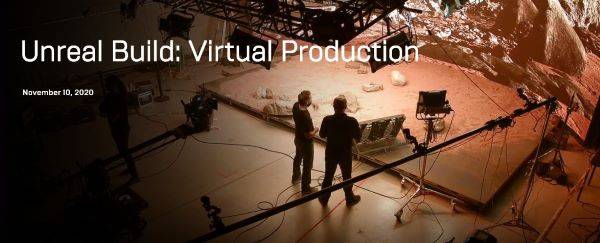
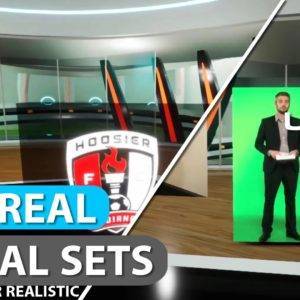
With the upcoming scheduled release for Unreal Engine 5 we thought it a good idea to look over the new virtual production features. Looking past the obvious Nanite and Lumen game changers and focusing in on specific Unreal Engine 5 virtual production pipeline improvements and changes.
nDisplay Integration Improvements
To start our list of virtual production improvements we have the growth of nDisplay integrations between both internal engine utilities and external plugin partners. A prime example of such a integration is the Stats Overlay allowing for typical UE workflow when working with projection policies. The main improvements are as follows:
Stats Overlay: We’ve added the ability to support UE stats text fields overlay when using nDisplay Projection Policies.
Procedural Mesh Policy: We’ve provided the necessary API calls to push arbitrary mesh data to Projection Policies and update in real-time while the cluster is running.
Public Functions and Delegates: Call back and delegate functions have been added for Pre/Post/Tick specifically to further help and support media server integration.
nDisplay UX Improvements
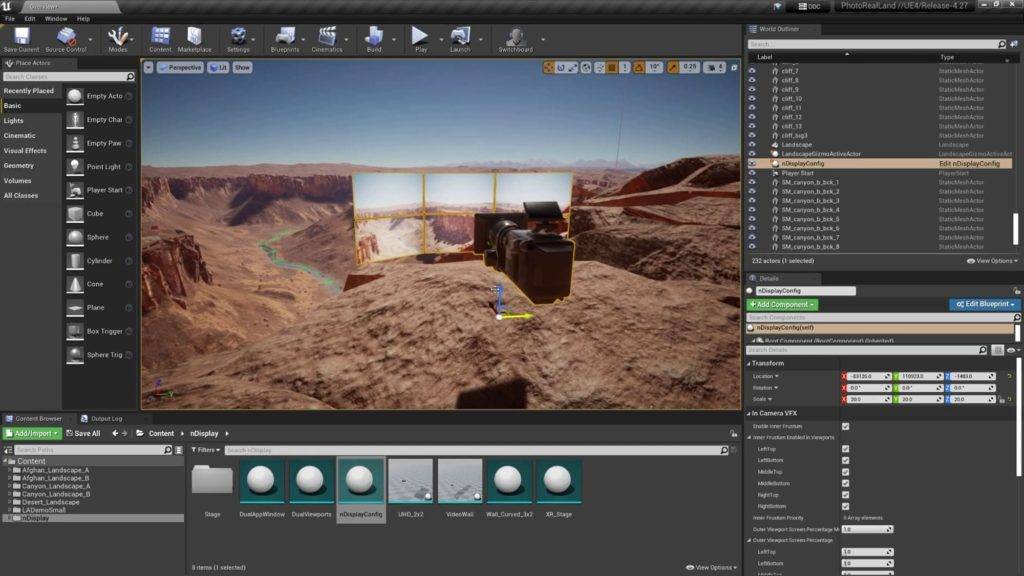
Epic has put an extensive focus on more user-friendly interfaces and improved visualisation formats in recent months for both nDisplay and ICVFX configs. This continues into the roadmap of Unreal Engine 5 with further developments of visualisation through the enabling of preview of the view frustum volumes and viewport border visualization. Epic also focuses down on further optimisations and fixed to the Root Actor in terms with the benefit of better performance and rendering accuracy. Key nDisplay UX improvements:
Optimised in-level preview performance and rendering accuracy
Per-Viewport post-process material
Viewport border visualization
View frustum volume visualization
Frustum overscan for ICVFX
The existing FOV multiplier feature helped account for a camera that may move too quickly for the system latency to catch up, but Unreal Engine 5.0 introduces per-direction controls (left, right, top, bottom) for inner frustum overscan. This gives stage operators more sophisticated options for dialling in the size to match the needs of specific shots. such as:
A whip pan in one direction, where the inner frustum overscan should only expand in that direction, rather than all around
A two-camera shot where the cameras are very close on stage and must share the same inner frustum, expanded to account for the second view
A shot that is occluded by a large set piece, where rendering what’s behind it is unnecessary and can save overhead for what is seen in camera
Operators can also choose to opt in or out of adapting the render resolution to the overscan values (vs. scaling), giving them the power to balance maximum image quality with performance at frame rate.
nDisplay viewport rotation for output mapping
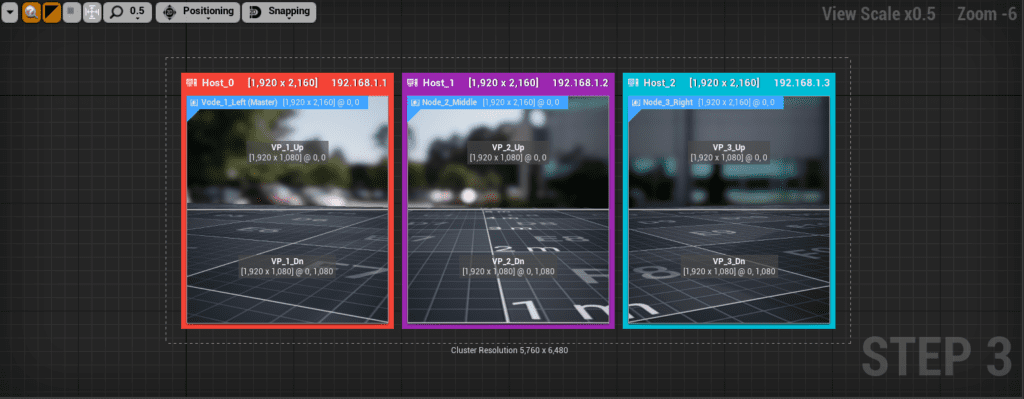
nDisplay now supports the rotations of viewport outputs within the 3D Config Editor. This optimizes LED processor canvas usage and aids in the efficiency of node rendering and viewport configuration. Full support for the following rotations:
Rotate 90 degree CW
Rotate 90 degree CCW
Rotate 180 degree
Flip horizontal
Flip vertical
nDisplay failover
Unreal engine 5 brings the introduction of nDisplay failover logic to displays and stages. Allowing clustered systems can gracefully recover from the most common failure types by allowing a render node to drop from the cluster. Users can also implement their own failover logic and alternatively use content from existing live backup nodes. Common failures include:
Network discoverable: when a given PC crashes or fails to respond within a predefined timeout value, it is identified as a failed node and automatically drops from the cluster.
Hardware (visual artefacts): non-fatal visual failures where the system is still responding from the network (e.g. memory corruption, bad output, render artefacts). Users can manually send a kill command to the failed node and it will drop immediately from the cluster.
Content crash: this is when an Unreal Engine project crashes due to an unforeseen engine or content error on all PCs. This case is not currently handled and users will need to restart the whole cluster again.
Virtual Production is the way forward,Filming does not have to be affected by the current pandemic, the show can still go on virtually.
The more exciting news is that this technology is not restricted to what it currently is! There is more to come! The virtual production world is constantly evolving, which means that the future of filmmaking is going to be mind blowing, producing sensational footage without restrictions, as the technology continues to raise the bar.
Breaking Boundaries: How Virtual Production Revolutionizes Filmmaking Amidst the Pandemic 7
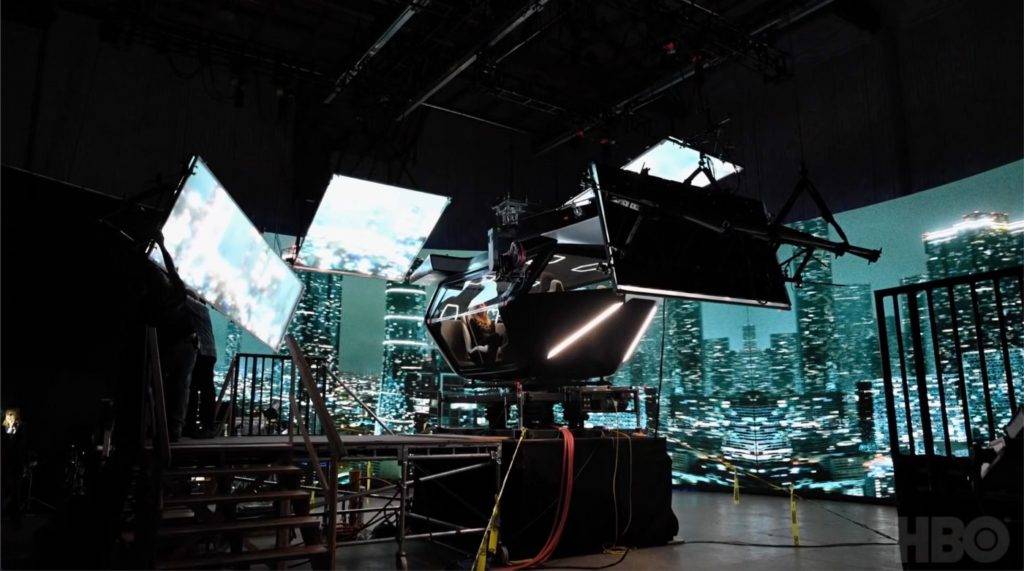
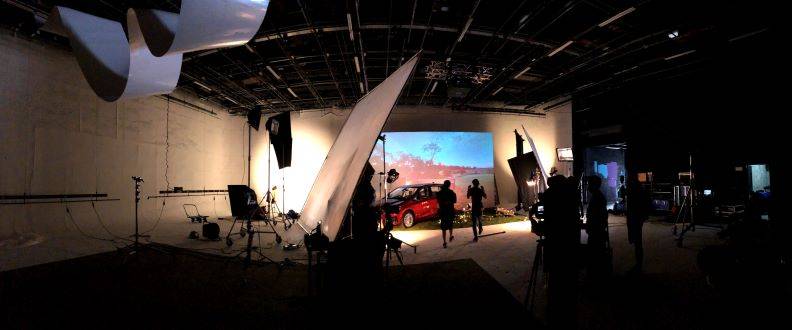
Move over green screen filmmaking, there is a new system in town! Virtual Productions are creating an immense amount of excitement within the Film and TV industry, transforming the way stories are told and visualized.
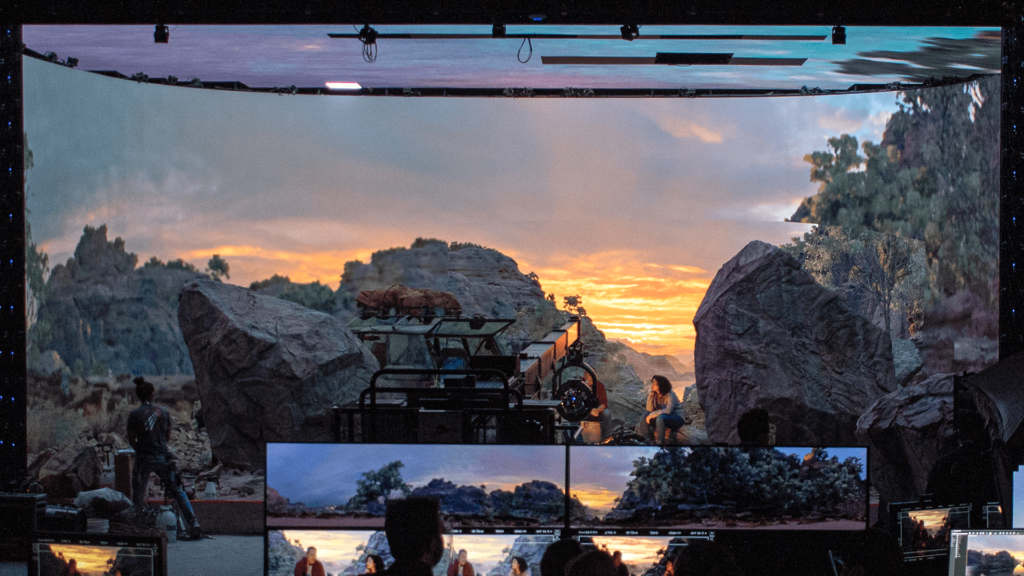
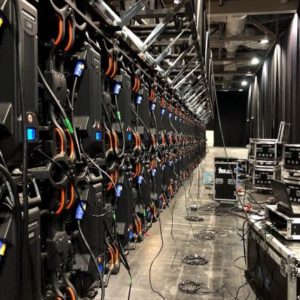
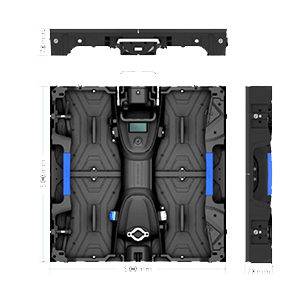
The use of LED walls in virtual production is nothing short of revolutionary. Rather than relying solely on traditional green screens for compositing visual effects in post-production, the technology allows filmmakers to create immersive environments in real-time. This leads not only to significant cost savings but also to enhanced creativity, as directors and production teams can make instant adjustments on set. The ability to see and interact with these stunning digital backgrounds as the scene unfolds provides a new layer of storytelling potential.
We are hugely overjoyed with the part that LED walls play in supporting the wonderful virtual process. Our aim is to work with ingenious Producers, Directors, and Directors of Photography, assisting them to construct bewildering realities in any studio. Each project presents a unique canvas where lighting, set design, and digital imagery converge seamlessly, allowing for one-of-a-kind visual experiences that captivate audiences. As we embrace this cutting-edge technology, we eagerly anticipate the innovative ways it will continue to reshape the landscape of filmmaking, pushing boundaries and inspiring creativity on an unprecedented scale.
It’s an exhilarating time to be in the industry, as virtual productions open up endless possibilities for storytelling and artistic expression. The future of cinema looks brighter than ever, and we are excited to be part of this transformative journey.






你必須登入才能發表留言。